“Practical Windows Forensics: Accelerated” is a condensed, hands-on, 8-hour class based on the 16-hour On-Demand “Practical Windows Forensics” course. Students learn a repeatable workflow for collecting, examining, and interpreting Windows forensic evidence across disk, registry, NTFS, execution artifacts, event logs, and memory.
Course Length: 8 Hours
Includes a Certificate of Completion
Next scheduled date:
Notify me when available
Description
“Practical Windows Forensics: Accelerated” is a condensed, hands-on, 8-hour class based on the 16-hour On-Demand “Practical Windows Forensics” course. Students learn a repeatable workflow for collecting, examining, and interpreting Windows forensic evidence across disk, registry, NTFS, execution artifacts, event logs, and memory.
The workshop combines short instructor-led explanations with guided labs. Students will work through common Windows forensic artifacts, understand what each artifact can and cannot prove, and learn how to correlate findings into defensible investigative conclusions.
-
System Requirements
- Online lab VMs will be provided via RDP/browser-based access. Students do not need to download or install forensic tools locally.
-
Students will need:
- Reliable internet connection
- Modern web browser
- Ability to access the instructor-provided online lab environment
- Optional: second monitor for easier lab/instruction viewing
Syllabus
-
Introduction
-
Welcome and workshop objectives
-
Forensic process
-
Data collection overview
-
Triage versus deep-dive analysis
-
Data Examination
-
Sources of Windows forensic evidence
-
Common forensic tools and workflows
-
Lab: Mounting a disk image and reviewing a KAPE triage collection
-
Disk Analysis
Registry Analysis
-
Windows Registry hives
-
Registry Explorer workflow
-
System overview artifacts
-
User accounts, groups, and profiles
-
Lab: User behavior analysis using UserAssist, RecentDocs, and Shellbags
NTFS Analysis
-
NTFS forensic concepts
-
Master File Table analysis
-
File activity and timestamp interpretation
-
Lab: MFT analysis
Evidence of Execution
-
BAM
-
ShimCache
-
Amcache
-
Prefetch
-
Artifact strengths, limitations, and correlation
-
Lab: Execution artifact analysis
Persistence Mechanisms
-
Common Windows persistence locations
-
Scheduled task evidence
-
Lab: Analyzing scheduled tasks
Event Log Analysis
-
Security and authentication events
-
Defender events
-
Service installation events
-
PowerShell logging
-
Lab: Defender, service install, and PowerShell event analysis
-
Memory Analysis
-
Introduction to memory evidence
-
When memory analysis is useful
-
Volatility workflow
-
Process analysis
-
Lab: Process analysis and detecting injected DLLs
-
Reporting
-
Turning artifacts into findings
-
Writing evidence-backed conclusions
-
Creating concise timelines
-
Communicating uncertainty and limitations
-
Conclusion
-
Key artifact review
-
Investigation workflow recap
-
Q&A
-
Next steps for continued Windows forensic practice
FAQ
Each student will receive access to an instructor-provided online lab VM containing the required forensic tools, evidence files, and lab instructions.
The workshop uses short, guided labs to reinforce each major topic. Labs are designed to be completed during class and will focus on practical artifact interpretation rather than tool memorization.
Students will work with evidence such as the following:
-
Disk image / mounted evidence
-
KAPE triage collection
-
Windows Registry hives
-
NTFS metadata
-
Execution artifacts
-
Windows Event Logs
-
Memory evidence
This course is designed for the following:
-
SOC analysts
-
DFIR professionals
-
Incident responders
-
Threat hunters
-
Security engineers
-
Red teamers who want to better understand forensic visibility
-
Technical managers who want practical familiarity with Windows forensic evidence
Beginner to intermediate.
This workshop is appropriate for students who understand basic security concepts and Windows fundamentals but want more structured, hands-on experience with forensic evidence and investigation workflows.
Students should have:
-
Foundational cybersecurity knowledge
-
Basic understanding of Windows systems
-
Familiarity with files, users, processes, services, and event logs
-
General understanding of incident response concepts
Prior forensic experience is helpful but not required.
By the end of the workshop, students will be able to:
-
Explain a practical Windows forensic investigation workflow
-
Understand the difference between triage collection and deeper forensic analysis
-
Navigate common Windows forensic evidence sources
-
Use registry artifacts to identify system, user, and activity evidence
-
Interpret UserAssist, RecentDocs, and Shellbags for user behavior analysis
-
Analyze NTFS metadata and MFT records for file activity
-
Use execution artifacts such as BAM, ShimCache, Amcache, and Prefetch
-
Identify and investigate scheduled task persistence
-
Review relevant Windows Event Logs for authentication, Defender, service installation, and PowerShell activity
-
Perform basic memory analysis with Volatility
-
Identify suspicious processes and possible injected DLLs
-
Correlate multiple artifacts into a defensible investigative timeline
-
Write concise, evidence-backed forensic findings
About the Instructor
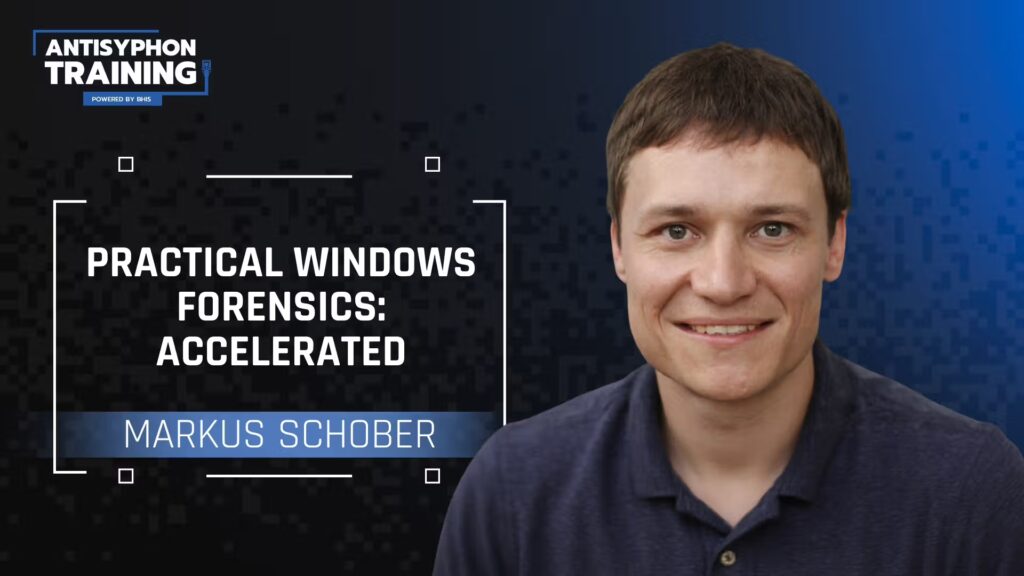
Markus Schober
"I run a blue team training company"Bio
Markus Schober is the founder of a blue team training and consulting company named Blue Cape Security. Prior to that, he served as a manger and Principal Security Consultant at IBM X-Force Incident Response. Over the past decade he has led numerous cyber security breach investigations for major organizations, where he specialized in Incident Response, Digital Forensics and Crisis Management.
Related products
-
Carrie RobertsLiveOD16 Hrs
PowerShell for InfoSec: What You Need to Know
View Course This product has multiple variants. The options may be chosen on the product page -
Multiple InstructorsLive4 Hrs
Workshop: Hacking AI-LLM Applications
View Course This product has multiple variants. The options may be chosen on the product page -
Multiple InstructorsLive16 Hrs
Offense for Defense
View Course -
Wade WellsLive16 Hrs
Cyber Threat Intelligence 101 2 Day Version
View Course