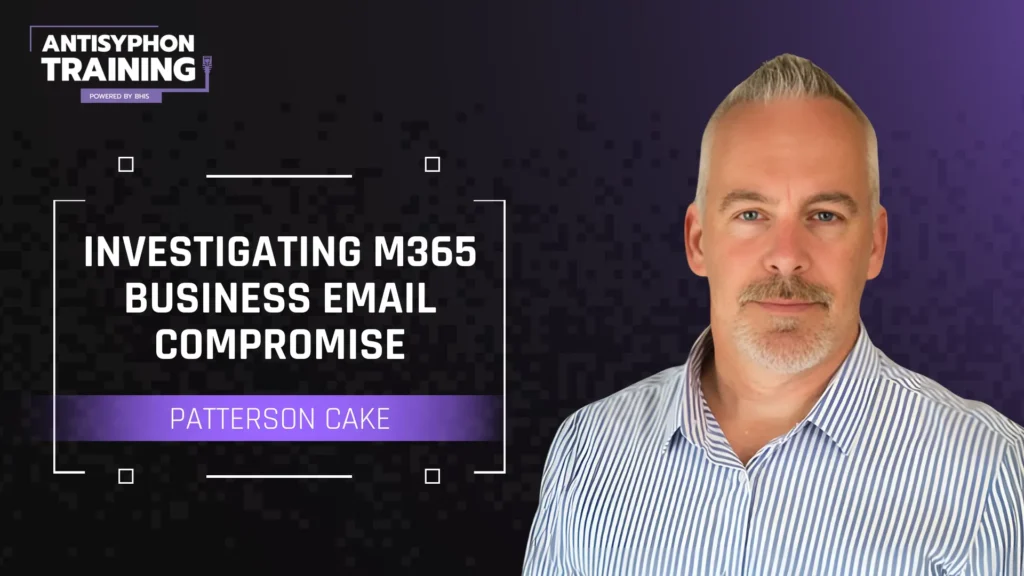
Join us for this pay-what-you-can, hands-on, virtual workshop from Antisyphon Instructor, Patterson Cake on investigating M365 business email compromise.
Over 90% of cyber attacks begin with a phishing email. Despite end-user education efforts, implementation of multi-factor authentication, and advanced email filtering, successful business email compromise (BEC) is on the rise! Join us for this pay-what-you-can, hands-on, virtual workshop from Antisyphon Instructor, Patterson Cake on investigating M365 business email compromise. Patterson will review threat-actor BEC standard operating procedures, discuss detecting and investigating M365 BEC, and perform hands-on labs using M365 native functions and SOF-ELK for “Unified Audit Log” (UAL) ingestion and investigations.
System Requirements
x86 architecture CPU clocked at 2 GHz or higher that is capable of nested virtualization (Apple Silicon is currently not supported)
A computer with at least 8 GB of RAM. 16 GB is recommended
VMWare Workstation or VMWare Fusion (VirtualBox and other VM software is not supported)
Full Administrator/root access to your computer or laptop
System should also have at least 50GB of available disk space to accommodate one VM
Internet access to download the course VM (approx. 5 GB)
Lab Requirements (To make the most of this workshop, please complete the following before the workshop begins)
Download the course lab virtual machine (links and instructions below)
Download and complete the “lab setup” guide (link below)
Join the BHIS “webcast-live-chat” Discord Channel - https://discord.gg/BHIS
The workshop will be presented via Zoom…and discussion/support will be provided through Discord!
You can complete the workshop labs using the course VM and a browser on your host computer.
Download and run Local VM
To use the M365 BEC Workshop VM, you will need either VMWare Workstation or VMWare Player (links to downloads/trials are in the setup guide). The VM requires approx. 50 GB of total disk space, utilizes 4 CPU/4 GB RAM by default, and has NAT enabled.
IMPORTANT: The M365 BEC Workshop virtual machine will NOT run on ARM-based processors (Apple Silicon/M1/M2). You will need a computer with an x64 processor.
Patterson Cake joined the Black Hills Information Security (BHIS) pirate ship in June of 2023 as a Security Analyst focusing primarily on detection engineering and digital forensics and incident response. He chose BHIS because, to paraphrase, “doing cool stuff with cool people” and “making the world a better/safer place” is exactly how he wants to spend his professional time and energy. It also helps that he has a bit of history with a couple of awesome folks that have been with BHIS for many moons. Prior to joining the team, Patterson helped build and lead a DFIR practice for an MSSP, worked as a senior security engineer for AWS Managed Services, and spent several years in enterprise cybersecurity, often healthcare related, focusing on intermingling offensive security and incident response in technical and leadership roles. Outside of work, he enjoys spending time with his family, which often involves motorcycles, outdoor sports, movies, and music.