Next scheduled date:WWHF Mile High 2026 - Link at bottom.
Description
Active Directory is the backbone of most enterprise environments, and it’s a prime target for attackers.
This hands-on course is built for defenders who want to understand, audit, and harden AD from the inside out. Students will work directly in a lab environment to identify misconfigurations, analyze attack paths, implement defensive controls, and apply industry best practices to reduce risk.
From initial domain controller promotion through deception technologies, AD enumeration, privilege auditing, authentication hardening, and continuous validation, students will build a practical skillset to secure Active Directory at scale. The labs are real-world, gritty, and tailored for defenders who want to learn how attackers think, and how to stop them.
Hardware/Software Requirements
At least 8GB RAM (16GB recommended)
A modern, multi-core CPU
Windows 10/11, macOS, or Linux (with virtualization enabled)
A reliable internet connection (10 Mbps or higher)
Administrative access on the system (to run virtual machines or lab VPN client)
Student Provided Resourses
Students will need an Azure Pay-As-You-Go subscription that uses the student’s own credit card.
Student Knowledge Requirements
Prior exposure to AD security issues or Blue Team responsibilities is a plus.
A working knowledge of Active Directory concepts such as domains, users, groups, GPOs, and organizational units
Basic experience navigating Windows Server and PowerShell
General familiarity with IT administration, security, or incident response roles
This course is blue team focused and grounded in understanding red team tactics. You’ll learn how attackers operate in AD and how to proactively shut them down.
This course is ideal for system administrators, security engineers, Blue Teamers, and IT professionals responsible for maintaining and defending Windows enterprise environments. If you manage AD, or if you’re on the hook for securing it, this course is for you. Familiarity with Windows Server and Active Directory basics is helpful but not required.
• Deep understanding of AD attack paths and how to proactively prevent them.
• Practical use of tools like PingCastle, Purple Knight, PowerShell, and built-in Microsoft utilities.
• Strategies to apply least privilege, secure authentication, and reduce lateral movement opportunities.
• Framework for building an AD environment that’s secure, auditable, and defensible.
• Grasp the fundamental concepts of Active Directory, including its structure (domains, trees, forests) and components (users, groups, organizational units)
• Learn best practices for managing user accounts and groups, including the principle of least privilege and the importance of regular audits.
• Understand the significance of strong password policies, including complexity requirements, expiration, and account lockout settings.
• Familiarize yourself with authentication methods used in AD, such as Kerberos and NTLM, and their respective security implications.
• Explore how to implement effective access control measures, including the use of Access Control Lists (ACLs) and Role-Based Access Control (RBAC)
• Understand the importance of monitoring AD for suspicious activities and how to configure auditing to track changes and access.
• Identify common threats to AD, such as privilege escalation, pass-the-hash attacks, and how to implement countermeasures
• Emphasize the importance of keeping AD and its components updated with the latest security patches to mitigate vulnerabilities.
• Familiarize yourself with best practices for hardening AD, such as minimizing the attack surface, disabling unnecessary services, and securing domain controllers.
• Engage in practical exercises to reinforce learning, such as configuring security settings, implementing GPOs, and conducting audits.
• Identify additional resources, such as documentation, forums, and communities, for ongoing education and support in AD security.
This course is designed for technical professionals with at least a foundational understanding of Windows Server and Active Directory. Participants should be comfortable using command-line tools and exploring systems independently. No prior security training is required, but basic knowledge of how AD works will accelerate learning.
"Cybersecurity is not who I am, though I am quite passionate about it."
Bio
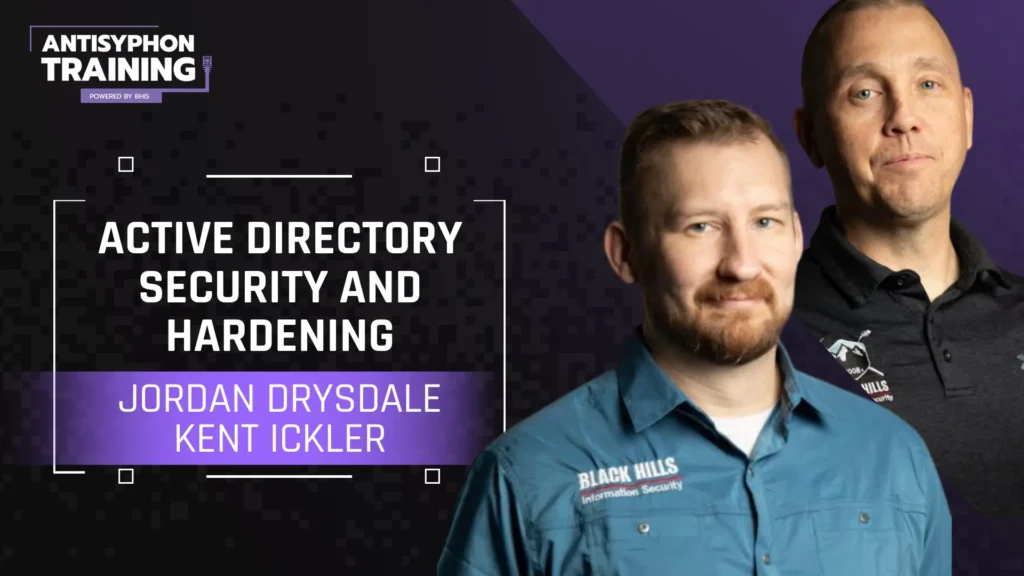
Jordan Drysdale has been with the Black Hills Information Security (BHIS) tribe since December 2015. He is a Security Analyst, as well as a member of the systems administration team. Jordan came to BHIS with a strong background, including many years in networking tech support and engineering for HP, UNi, and Managed Services — he never stops learning and sharpening his skills.

Kent started his Information Technology career working for an Internet Service Provider supporting the MidWest’s broadband initiatives of the early 2000s. His interest in technology and business operations drove his career into working for multiple Fortune 500 companies and equipping their organizational leadership with business analytical data that would support their technology initiatives. With an understanding of Information Technology, System Administration, Accounting, and Business Law, Kent has helped businesses leverage technology for competitive advantage while balancing the risks associated with today’s dynamic network environments. Kent has been with Black Hills Information Security for three years in security and administration roles.
This class is being taught at Wild West Hackin’ Fest – Mile High 2026.