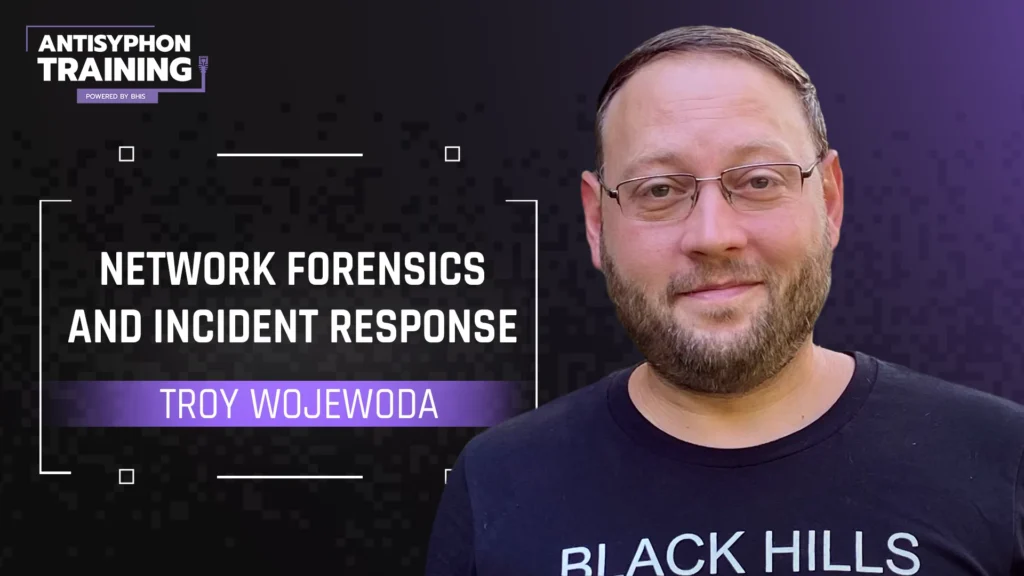
This course covers incident handling fundamentals, attacker methodologies, network protocol abuse detection, hands-on network packet analysis, Zeek scripting, flow data analysis, and real-world attack scenarios.
Incident responders are continually faced with the challenge of collecting and analyzing relevant event data—network communications is no exception. This course uses an assortment of network data acquisition tools and techniques with a focus on open-source, vendor-neutral solutions. Students who take this course will learn how to perform network traffic and protocol analysis that ultimately supports cybersecurity incident response efforts.
From reconnaissance to data exfiltration, network traffic scales to provide a bird’s-eye view of attacker activity. Leveraging the vantage point of key network traffic chokepoints, this course explores nearly every phase of an attacker’s methodology. Students will learn network traffic analysis concepts and work through hands-on lab exercises that reinforce the course material using real-world attack scenarios.
System Requirements
Option 1: Using the MetaCTF instance of the course’s VM (recommended if a local VM use is not possible and/or preferred).
A web browser and solid internet connection.
MetaCTF account (registration is free)
Option 2: Download and use of local VM
VMWare Workstation/Player 16.x or 17.x (Windows/Linux) OR VMWare Fusion/Player 12.x or 13.x (Mac OS).
A computer with a minimum of 8GB RAM, 100GB of free disk space
System must be able to run an Ubuntu 22.04 LTS 64-bit VM with the following minimum specs: 4GB RAM, 60GB disk space, 2 virtual processors
Decrypting & Analysis of TLS Traffic with Polar Proxy
PCAP vs. PCAPNG Formats
Introduction to command tools
Lab 1: Filters – Tcpdump, Wireshark, TShark (Lab)
Students will gain familiarity with applying various packet filters options using tcpdump, Wireshark, and Tshark.
Module 4: Network Protocol Analysis (Lecture)
Network Protocols: Common uses, applications, and features
DNS
FTP
HTTP
NTP
RDP
SMTP
SNMP
SSH
TLS
DNS over TCP
Direct DNS Resolution
Recursive DNS Resolution
DNS Request Types
HTTP Protocol History
HTTP Headers
HTTP Client Requests and Methods
HTTP Response Codes
TLS Fingerprinting (Active/Passive)
ICMP Payload Analysis
Module 5: File Carving (Lecture)
Wireshark Export Objects
File Extraction using Zeek
Manual File Extraction
Lab 2: Carving Files out of PCAPs (Lab)
Students will learn how to extract files from pcap files, using various techniques.
Module 6: Attacker Tactics & Techniques (Lecture)
MITRE ATT&CK Tactic/Techniques
Strategic Web Compromises (Watering Holes)
Dead Drop Resolvers
HTTP Redirects
Domain Doppelganger Registration/Use
Base64 Encoding/Obfuscation
Custom Base64 Encoding/Obfuscation
Reverse Order Byte Delivery
Carrier Files
XOR Encryption/Obfuscation
Null & Key Escaping XOR Operations
Rolling XOR
Network Protocol Abuse – Real Life Examples
Lab 3: I XOR you, I XOR you NOT (Lab)
Students will get hands on experience with detecting and recovering encoded/encrypted data.
Lab 4: Proxy or No Proxy (Lab)
Students will learn how to differentiate between non-transparent proxy traffic and transparent (or no proxy) traffic. We will also get a glimpse into decrypted HTTP2 traffic.
Module 7: Zeek Intrusion Detection System (Lecture)
Zeek Frameworks
Zeek Log Analysis
Zeek Tips & Tricks
Parsing Zeek Logs
Lab 5: Parsing Zeek Logs (Lab)
Students will use the Zeek open-source network traffic analyzer to analyze captured network traffic explore the Zeek framework.
Module 8: Zeek Customization
Zeek Package Manager
Zeek Scripting
Custom Zeek Scripting for Log Enrichment
Custom Zeek Scripting for IR and Forensics Artifact Extractions
Lab 6: Zeek Package Manager (Lab)
Students will gain experience installing the ja3 zeek package using zeek’s package manager.
Lab 7: Case Matters (Lab)
Students will learn how to write a custom Zeek script that adds an additional column of data to zeek’s dns.log.
Lab 8: Going Postal (Lab)
Students will write and implement a custom Zeek script that extracts various objects [dynamically] from SMTP traffic found in a network packet capture file.
Module 9: Netflow/IPFix (Lecture)
Netflow Framework and Components
Generating flows with YAF (Yet Another Flowmeter)
Yaf Output Analysis
Lab 9: Flows/IPFix (Lab)
Students will analyze network flow traffic with the objective of detecting data exfiltration activity.
Module 10: Zeek Telemetry from Endpoints (Lecture)
Zeek visibility using M365 Defender Portal
Zeek visibility using Microsoft’s Graph API
Lab 10: Capstone Lab (Lab)
Utilizing only network traffic, students will apply the course’s learning objectives in a culminating exercise focused on analyzing an attack scenario and ultimately uncovering the attacker’s: intial access, tool use, command and control, and data exfiltration.
Troy Wojewoda is a Security Analyst at Black Hills Information Security (BHIS). Prior to joining BHIS, Troy has held roles in application and system administration, host and network intrusion detection, wireless security, penetration testing, digital forensics, malware analysis, threat hunting, and incident response. In addition to earning several professional certifications, Troy has a BS in Computer Engineering and Computer Science.

This class is being taught at Wild West Hackin’ Fest – Mile High 2026.
Clicking on the button above will take you to our registration page
On-Demand
Antisyphon's On-Demand classes give you flexible, self-paced access to the same high-quality training our live events are known for. Whether you're diving into forensics, cloud security, or offensive tooling, each course includes:
Full access to video recordings, slides, and downloadable resources
Hands-on labs and virtual machines to reinforce real-world skills
Cyber Range access for immersive practice (select courses)
Dedicated Discord support from instructors and peers
Certificates of participation upon completion
Start learning when it works for you!
No deadlines, no pressure. Just real, practical cybersecurity training on your schedule.